
Capture
Phone photos, or a 360 walk. Close-ups where it matters. No special software in the field.
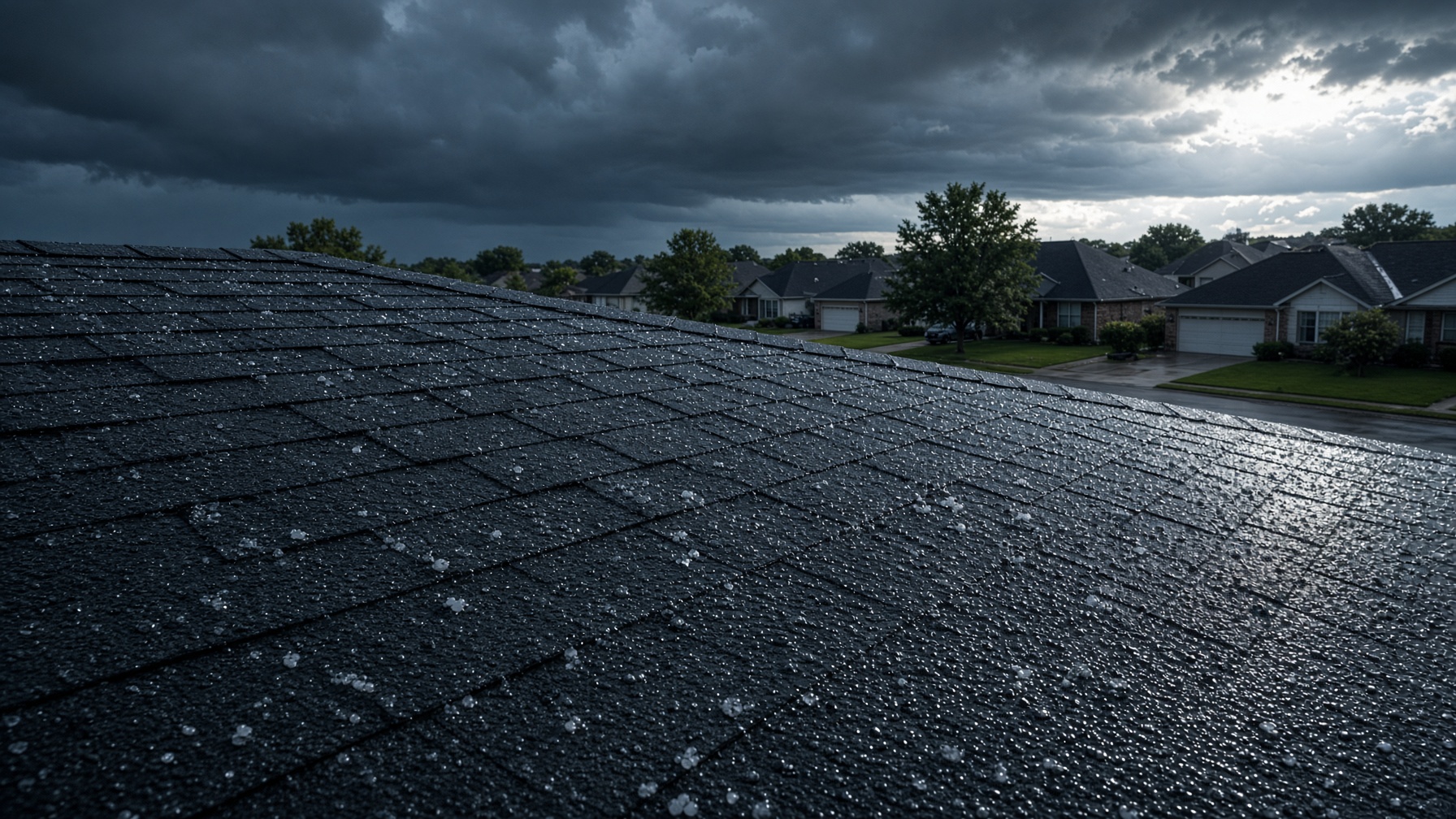
Your crew shoots it. VistaReports writes the branded AI report the same day.
Fly the roof with any drone. Upload the files. A full AI damage report in a few hours.
Open roofers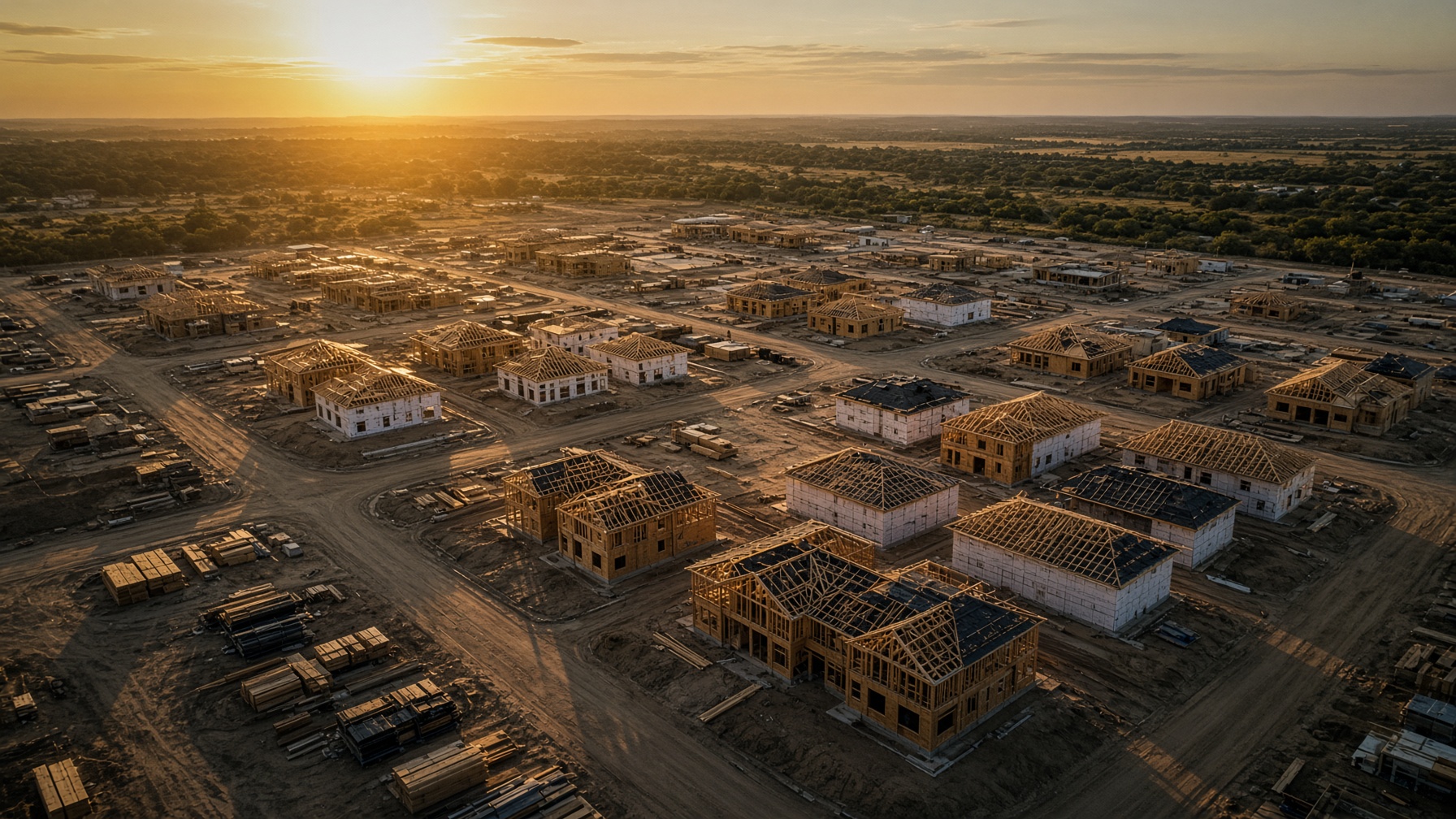
Timestamped proof of the build. Catch problems before they are covered up.
Open builders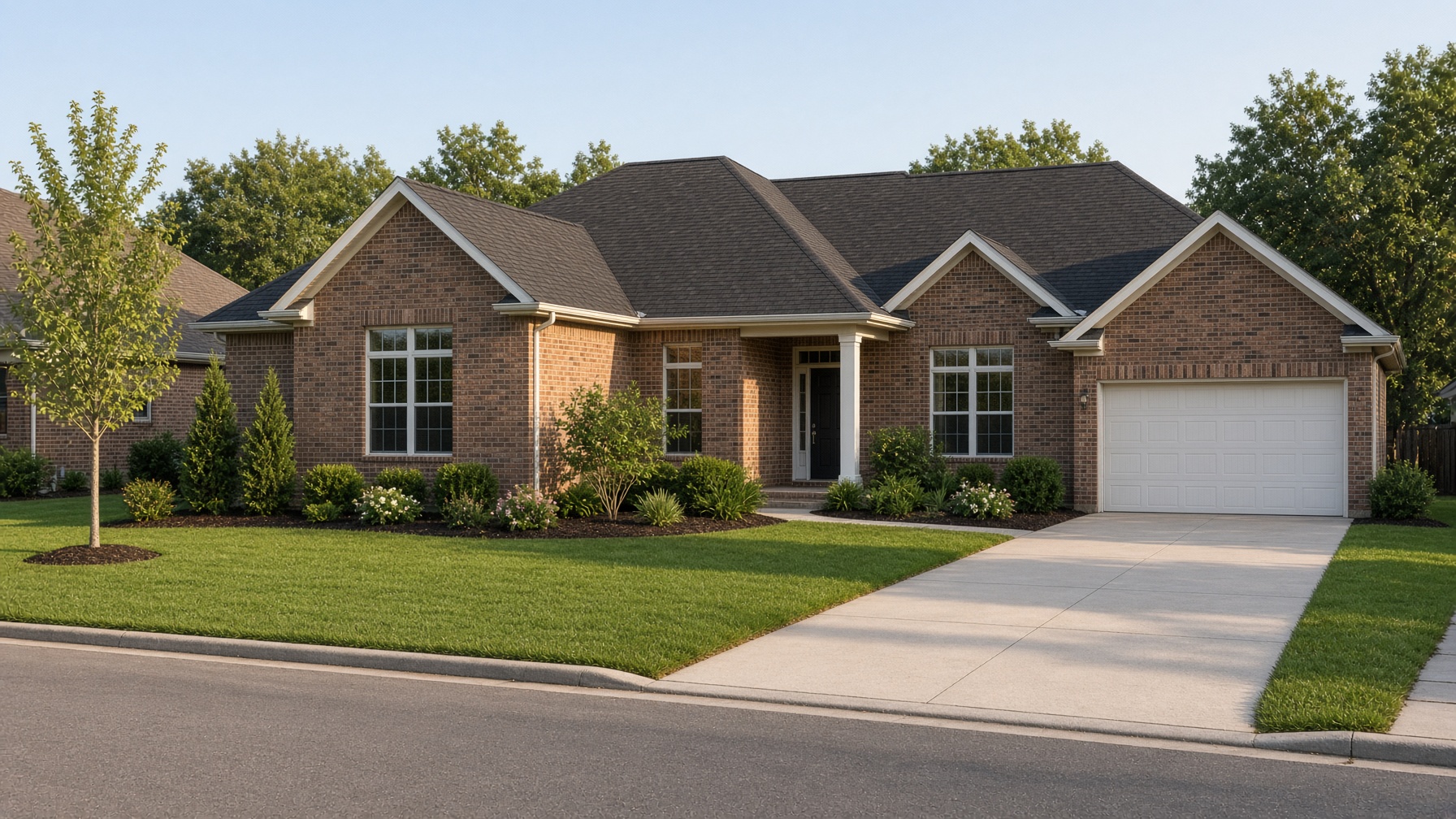
Track the condition over time. New damage, old damage, and the day it started.
Open property managers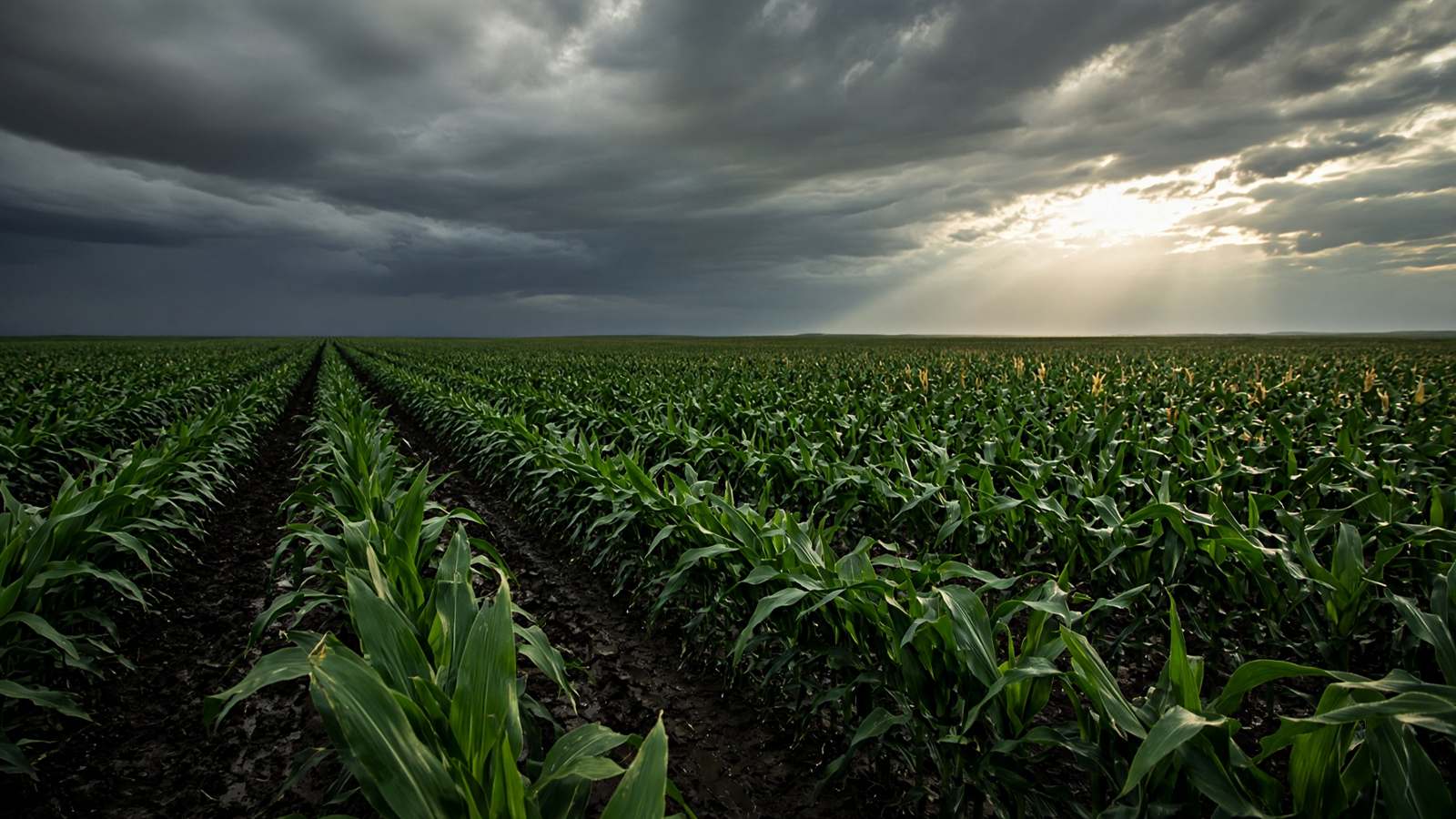
You fly the field. Upload the stills. A branded crop report the same day. Stand, health, or the file after frost or flood.
Open agriculturePhone photos, or a 360 walk. Close-ups where it matters. No special software in the field.
Upload your logo and say what the AI report should cover. Roof only, a phase, or the whole exterior.
An AI report with the date on it. Hand it to the owner, the carrier, or the warranty desk.
When a buyer says the scratch or the flashing was already there, you have the photo and the date. That is cheaper than a truck roll you cannot defend.
The AI report goes out under your logo. VistaReports stays in the background unless you want it on the page.
VistaReports is visual documentation. It is not a TREC home inspection, not an engineering report, not a leak test, and not a municipal code inspection. Storm notes describe what the photos show. They are not a claim decision.